On your Android phone, open the Word Blast tester group and tap “Join group”. Use the Gmail address you use for Google Play. You are added straight away.
2
Become a tester
Open the tester page with the same Gmail and tap “Become a tester”. This tells Google Play you are allowed to get the game.
3
Download Word Blast
Open Word Blast on Google Play and tap “Install”. If Google Play says the app is not found, wait a few minutes and try again.
4
Open the game once
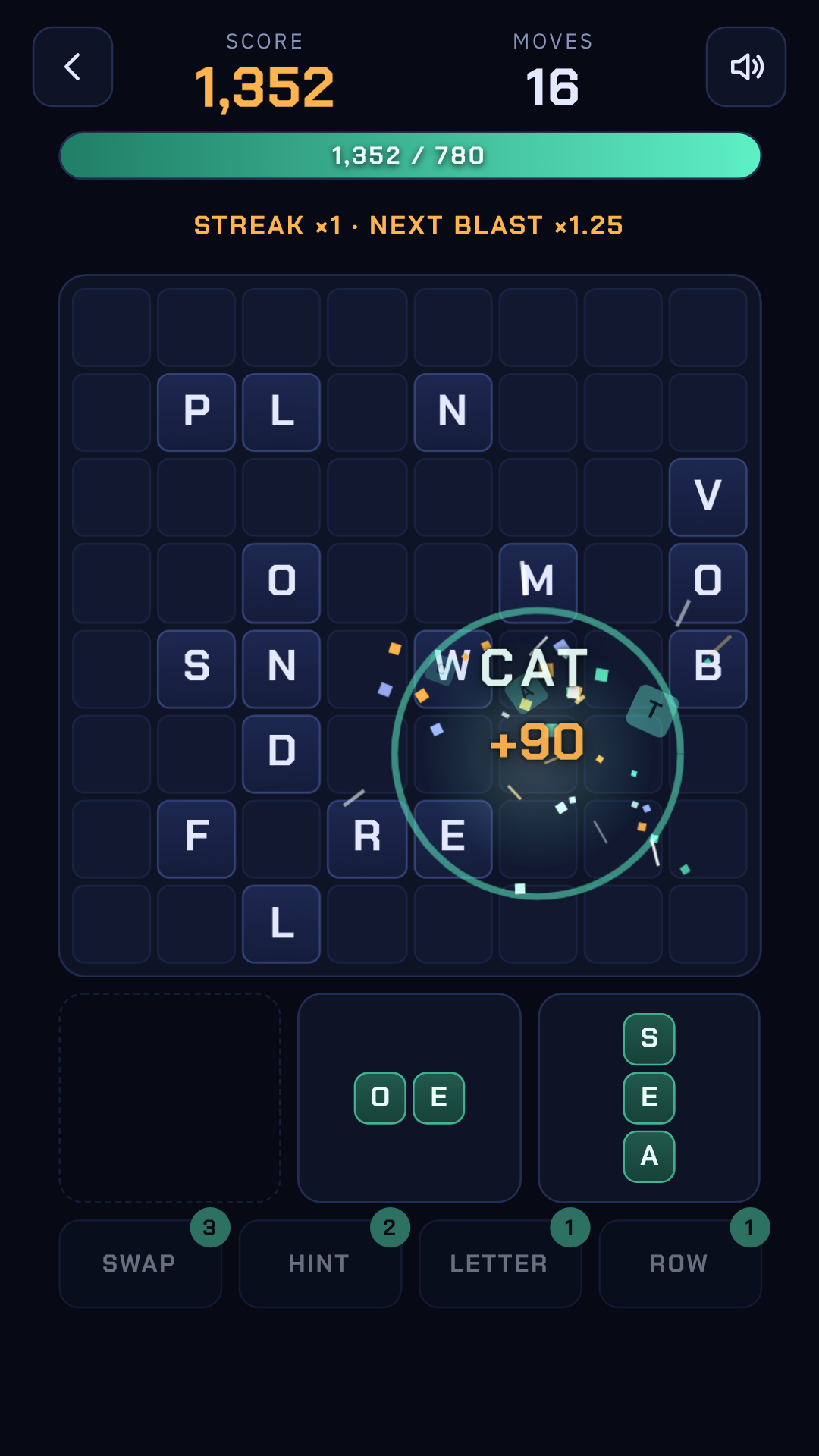
Open Word Blast and play a level or two, so Google can see the test is being used.
5
Keep it for 14 days
Leave the game installed and play whenever you like. Please do not uninstall it or leave the group early.
Testing is free. All you need is an Android phone and a Google account.
Ready to join?
Do these three steps in order, on your Android phone. Each one opens in a new tab, so come back here for the next.